
A Powerful MySQL Report Builder and PHP Dashboards Tool
Smart Report Maker (SRM) is an advanced PHP report builder and dashboard tool for MySQL and MariaDB. It supports dynamic PHP dashboards, interactive pivot tables, scheduled reports, advanced charts, KPI monitoring, and report relationships. You can display these reports and analytics with defined permissions inside Smart Report Maker, and you can also securely embed these reports, dashboards, and charts directly into your PHP applications or websites.
Whether you're building detailed reports, tracking KPIs, or analyzing trends, SRM transforms raw MySQL data into professional, interactive analytics with full control, flexibility, and security.
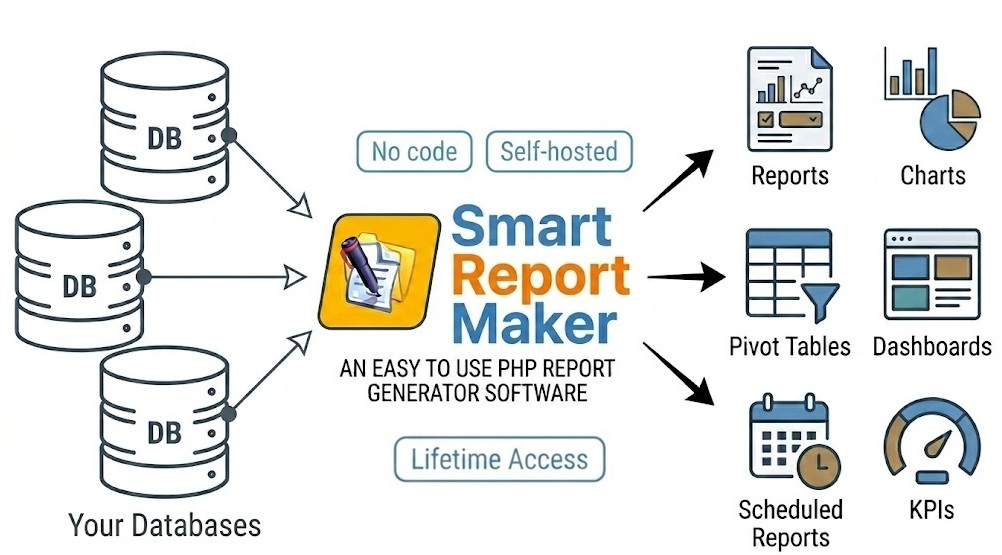
Transform MySQL and MariaDB Data into Reports, Charts, KPIs, Dashboards, and Pivot Tables
Smart Report Maker empowers business teams to explore data and answer questions without coding. With powerful analytics features — including date-series charts, comparative KPI tracking, pivot tables, and customizable dashboards — SRM helps you uncover insights, monitor trends, and make informed decisions. Built for both technical and non-technical users, it makes transforming your data into actionable intelligence straightforward and efficient.
Main Modules of Smart Report Maker
PHP Report Builder for MySQL

Smart Report Maker is the ultimate MySQL and MariaDB report builder, designed to generate reports directly from your databases. With its intuitive wizard-style interface, the tool makes report creation simple and accessible to everyone, allowing users to transform their data into meaningful insights effortlessly — no coding required.
Report Chains with Linked Reports
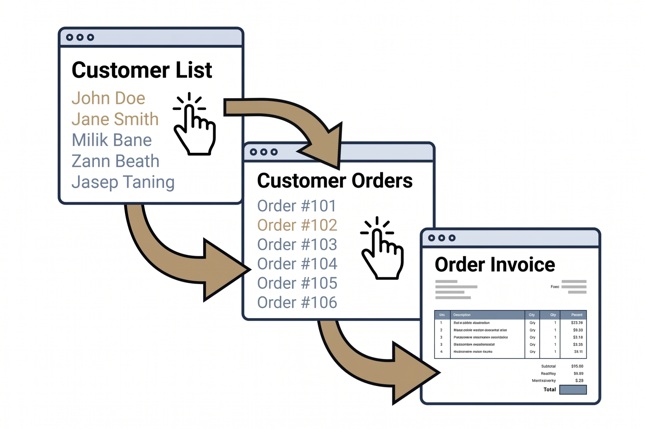
Reports no longer stand alone. You can now connect them by passing parameters and building report chains — even long, multi-step ones. This allows users to explore their data gradually, moving from one level to the next instead of viewing everything in a single flat report.
MySQL Pivot Tables — Drag and Drop
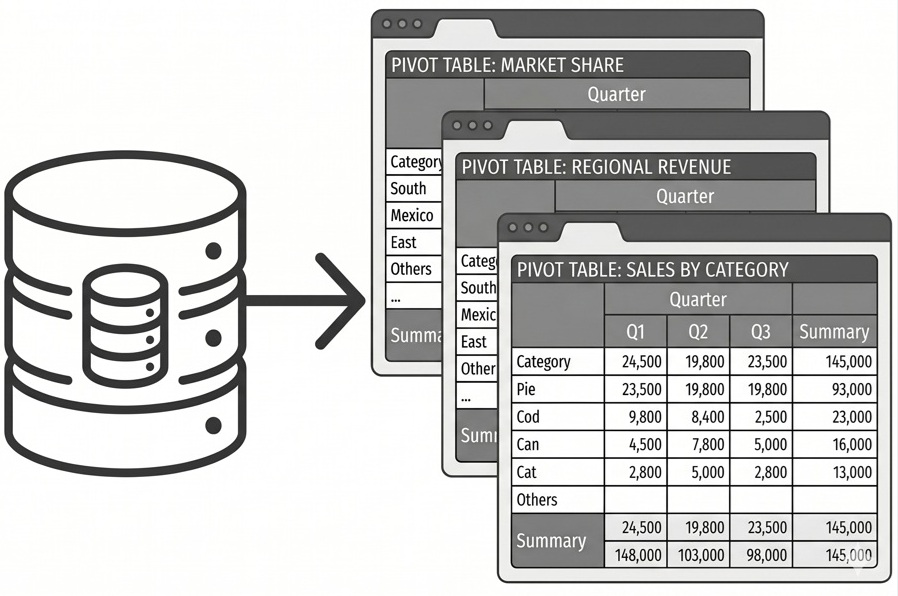
Smart Report Maker includes a powerful module for creating MySQL and MariaDB pivot tables using an incredibly easy-to-use drag-and-drop editor. Whether you need to summarize sales data, analyze user activity, or break down performance by category, the pivot table builder helps you do it all — without writing a single line of SQL.
PHP Dashboards for MySQL and MariaDB
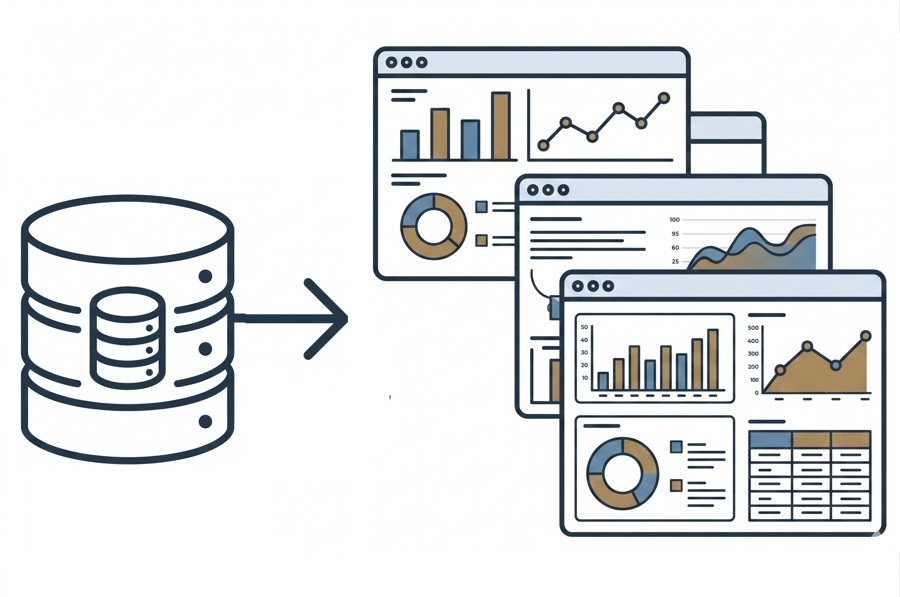
Smart Report Maker provides fully customizable PHP dashboards for MySQL and MariaDB, empowering users to monitor their data visually in real time. Dashboards offer a centralized view of critical metrics, trends, and performance indicators, enabling decision-makers to quickly identify trends, track progress, and take informed actions.
Interactive PHP Charts for MySQL
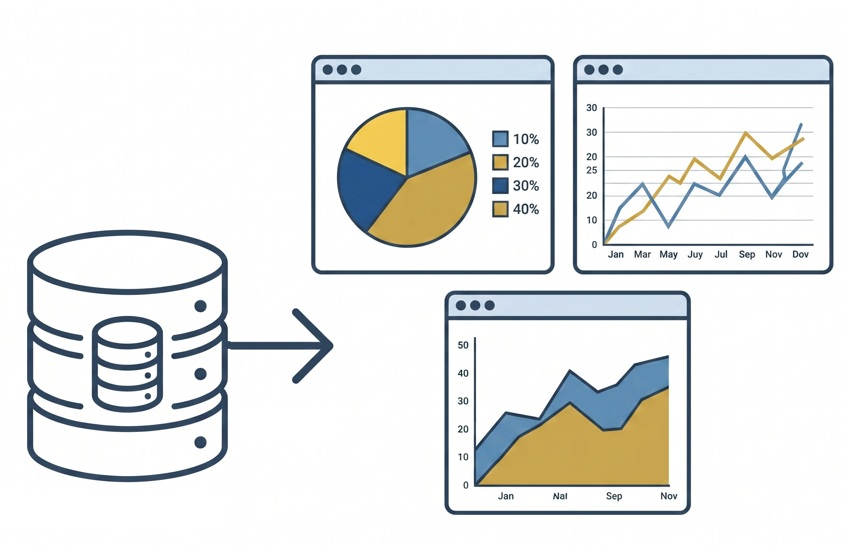
Smart Report Maker simplifies data visualization with its robust PHP MySQL chart builder, making it easy to create professional and insightful charts directly from your MySQL and MariaDB databases. Visualize trends, compare datasets, and present data in compelling formats with full interactivity.
KPI Monitoring and PHP Data Analysis
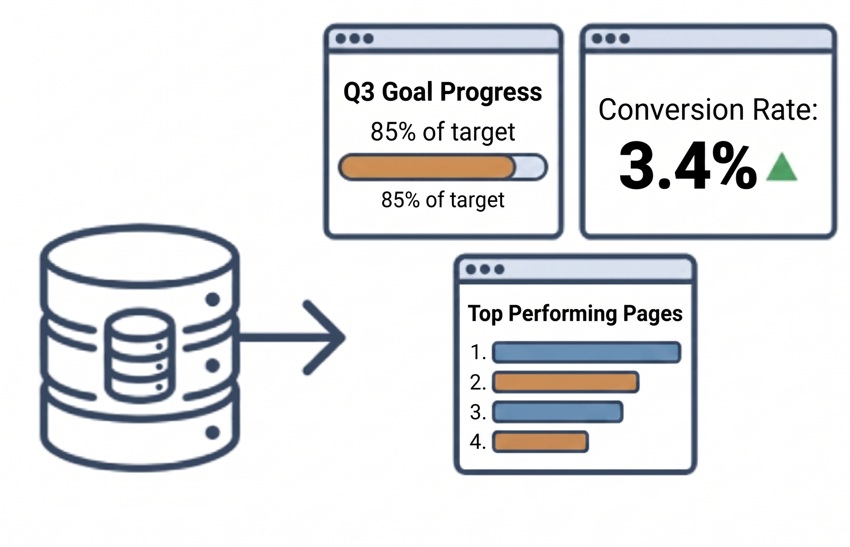
Track performance with tailored KPIs and metrics derived directly from your MySQL or MariaDB data. Filter by timeframes, compare against historical periods or fixed targets, drill down into detailed data, visualize patterns with time-series charts, and create calculated columns for custom metrics.
Scheduled Reports via Email
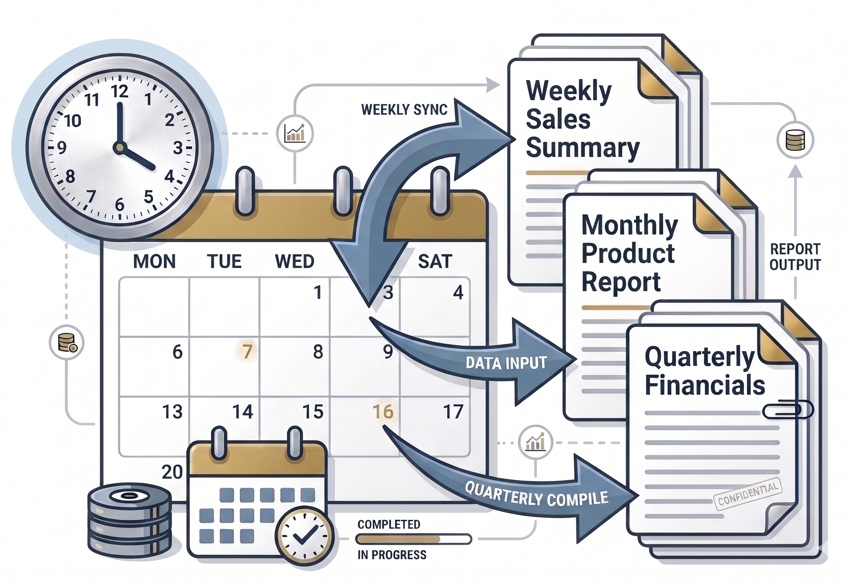
Automate report generation and delivery from any MySQL or MariaDB database. Schedule reports daily, weekly, or monthly and deliver them to designated recipients in PDF format — eliminating manual effort and ensuring timely access to essential data.
Embed Manager and WordPress Plugin
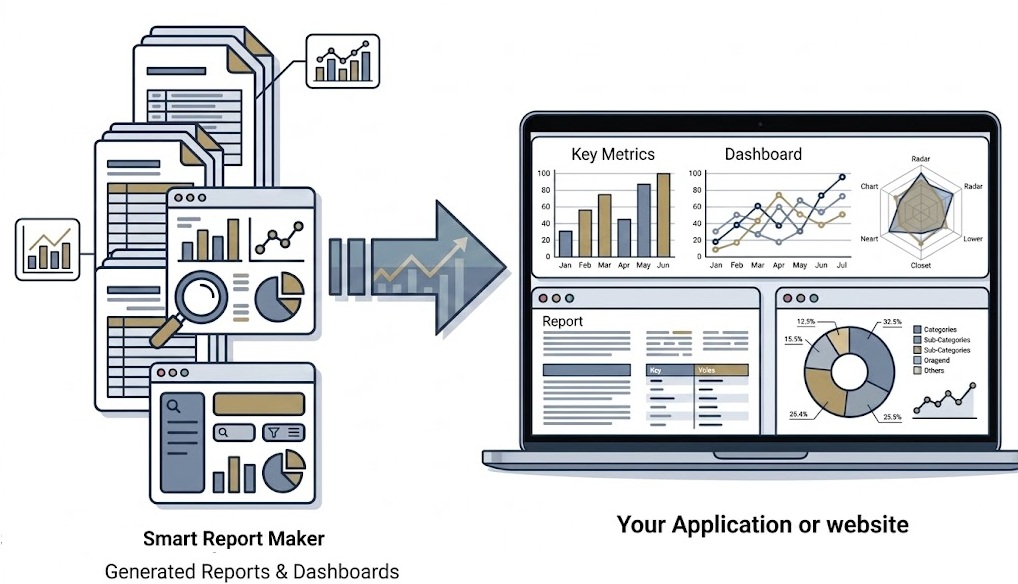
Easily embed dashboards, reports, charts, KPIs, and pivot tables into any PHP-based application or WordPress site. The built-in Embed Manager and dedicated WordPress plugin provide secure, code-free embedding with full interactivity — users can drill down, filter, and export directly from within your application or WordPress pages.
Security and User Management
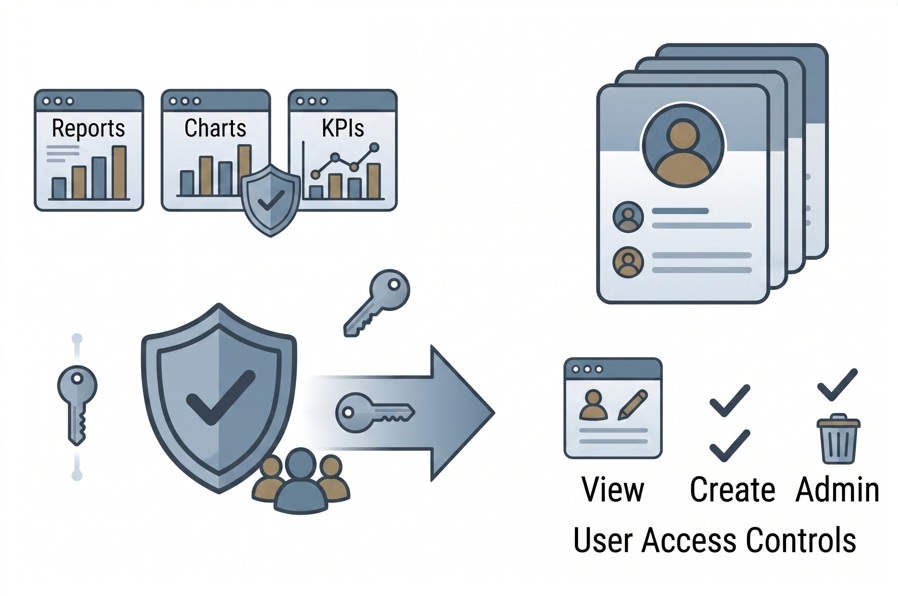
- Role-Based Permissions — Define who can view, edit, or create resources at a granular level.
- Group Management — Assign permissions to user groups for easy team-level access control.
- User Subscriptions — Manage individual user access to the system.
- Public and Private Resources — Create open-access resources or restrict them to specific groups.
- Admin Privileges — Full visibility and control over all system resources.
Quick and Easy Setup
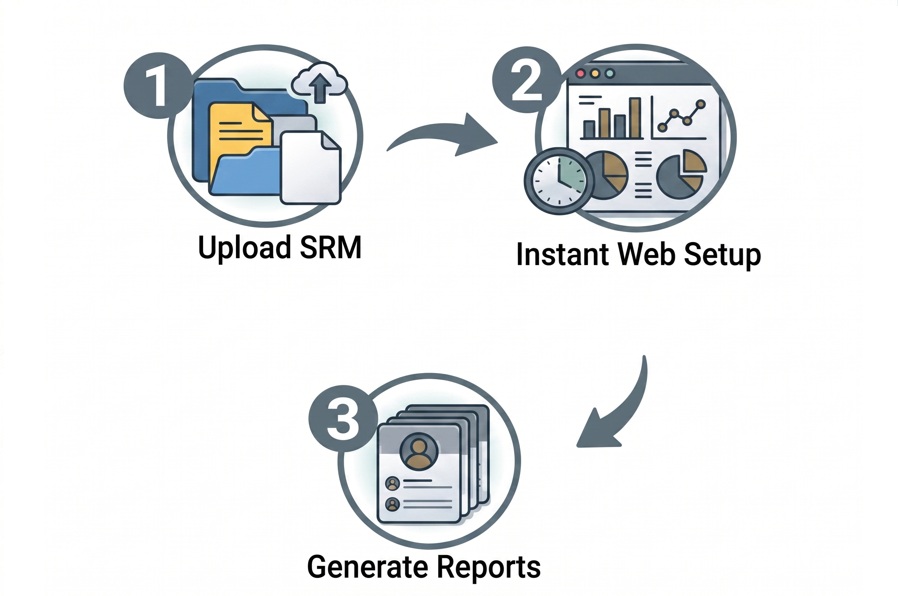
- Upload files, launch the web installer, and it works out of the box.
- No terminal, shell commands, or DevOps expertise required.
- Open-source PHP code you can view and inspect.
- Works with shared hosting, dedicated servers, Windows or Linux.
- Compatible with cPanel, Plesk, CWP, and any PHP-supporting control panel.
Documentation and Support
- Clear Documentation — Step-by-step documentation covering installation to advanced features.
- Free Support — Friendly assistance through our ticketing system.
- Free Upgrades — Six months of free upgrades after purchase, with significant discounts on future versions.
- No Renewal Payments — One-time payment, no recurring fees. Runs securely on your own server.
System Requirements
- PHP Version — PHP 7.4 or later.
- Database Support — Any MySQL or MariaDB database.
- Web Server — Apache or Nginx.
- Hosting — Works on shared hosting, VPS, and dedicated servers.
- Operating System — Compatible with Linux and Windows environments.
Frequently Asked Questions
A: Smart Report Maker is a powerful PHP reporting tool trusted by thousands of customers in the united states and worldwide. It allows you to create reports, charts, pivot tables, KPIs, and PHP dashboards from any MySQL or MariaDB database without writing code. The tool is easy to install using a web-based installer that runs directly from your browser, works smoothly on shared hosting, VPS, and dedicated servers, and runs entirely on your own server for full data privacy. Smart Report Maker is available with a one-time payment model—no subscriptions and no hidden fees—and generated reports and PHP dashboards can be easily and securely embedded into PHP applications and WordPress websites. For more details on why to choose Smart Report Maker, please click here
A: Yes, your license is valid for life for the specific version you purchased. To keep you updated, we provide:
- Lifetime Access: Once purchased, you can use your specific version of Smart Report Maker indefinitely with no recurring subscription fees.
- 6 Months Free Upgrades: Access to all new releases and patches.
- Discounted Renewals: After 6 months, upgrade at 60% off or more.
A: Yes, Smart Report Maker is designed for both technical and non-technical users. Its intuitive, wizard-based interface allows business users, analysts, and managers to build reports, PHP dashboards, charts, pivot tables, and KPIs without writing SQL or PHP code. Additionally, unlike many similar tools that require command-line access or complex server configuration, Smart Report Maker uses a web-based installer that runs directly from your browser, making both installation and daily usage simple, fast, and accessible for everyone.
A: Yes, you can use SRM with hosting control panels such as cPanel, Plesk, CWP, DirectAdmin, Webmin, Virtualmin, ISPConfig, CyberPanel, HestiaCP, CloudPanel, VestaCP, or any other control panel that supports PHP hosting.
A: Yes. Smart Report Maker (SRM) includes powerful scheduled reporting that automates both report generation and delivery—so your end users receive the right reports at the right time without any manual effort. With SRM, you can:
- Set custom schedules – Automatically generate and send reports daily, weekly, or monthly, with full control over the delivery time.
- Email reports automatically – Deliver reports directly to designated individuals or groups via email.
- Choose output formats – Send reports in formats such as PDF, making them easy to view, download, and share.
- Ensure timely access to data – Keep teams and stakeholders consistently informed with up-to-date data, whether it’s a daily operational report or a monthly performance summary.
Scheduled reporting works with any MySQL or MariaDB database, helping you eliminate repetitive manual tasks while ensuring reliable and timely data delivery.
A: Yes. Smart Report Maker (SRM) allows you to transform raw data into rich, visual report cells without custom coding. You can display and format many data types directly inside your reports, including:
- Barcodes – Generate and display barcodes directly from your data for tracking and inventory use cases.
- QR Codes – Automatically convert values into QR codes for quick access, sharing, or scanning.
- Google Maps – Visualize geographic data by displaying interactive Google Maps directly within report cells.
- Images – Display image URLs as actual thumbnails (e.g., product photos, user avatars).
- Checkboxes – Represent Boolean values (true/false) as checked or unchecked boxes.
- Star Ratings – Show numeric ratings (e.g., 4/5) as visual star indicators.
- Country Flags – Convert country codes into recognizable flag icons.
- Clickable Links – Turn URLs or email addresses into interactive hyperlinks.
- Financial Cells – Format numeric values as currencies, percentages, or accounting-style figures with proper symbols and alignment.
All of these options can be configured visually inside SRM, allowing you to create professional, interactive, and presentation-ready reports directly from your database.
A: Yes. You can link a single Customers Report to multiple related reports. For example, the customer report can be linked to an Accounts Report to view each customer’s balance, and also to an Invoices Report to display all invoices for that customer. From there, users can drill down further into invoice details or any other relevant reports you choose. Learn more about report linking here.
A: Yes, Smart Report Maker includes a built-in Embed Manager and a dedicated WordPress plugin that allow you to securely embed reports, PHP dashboards, charts, KPIs, and pivot tables into PHP applications and WordPress websites. Embedded content remains fully interactive, supporting filtering, drill-down, and exporting, while maintaining full control and security.
A: The difference between Smart Report Maker and Smart Report Engine is that Smart Report Maker is a complete product for creating professional reports, charts, dashboards, drill-down charts, and KPIs using an easy-to-use interface, while Smart Report Engine is a reporting engine that PHP developers can integrate into their projects to generate reports by calling its API within their code.
A: Yes. There are usually cross-product promotions between Smart Report Maker (SRM), Smart Form Maker (SFM), and Smart Report Engine (SRE). Currently, the discount is typically around 25%, but it may change over time. When purchasing any product, check the “We Also Recommend” section on the checkout page to see the latest discounts available on the other products.